
RICOH SP 8400DN
Supplied, installed and serviced by Gtech FZE, the authorized Ricoh distributor in Jebel Ali, Dubai. Delivered across Abu Dhabi, Sharjah and every emirate, and exported throughout the Middle East and Africa.
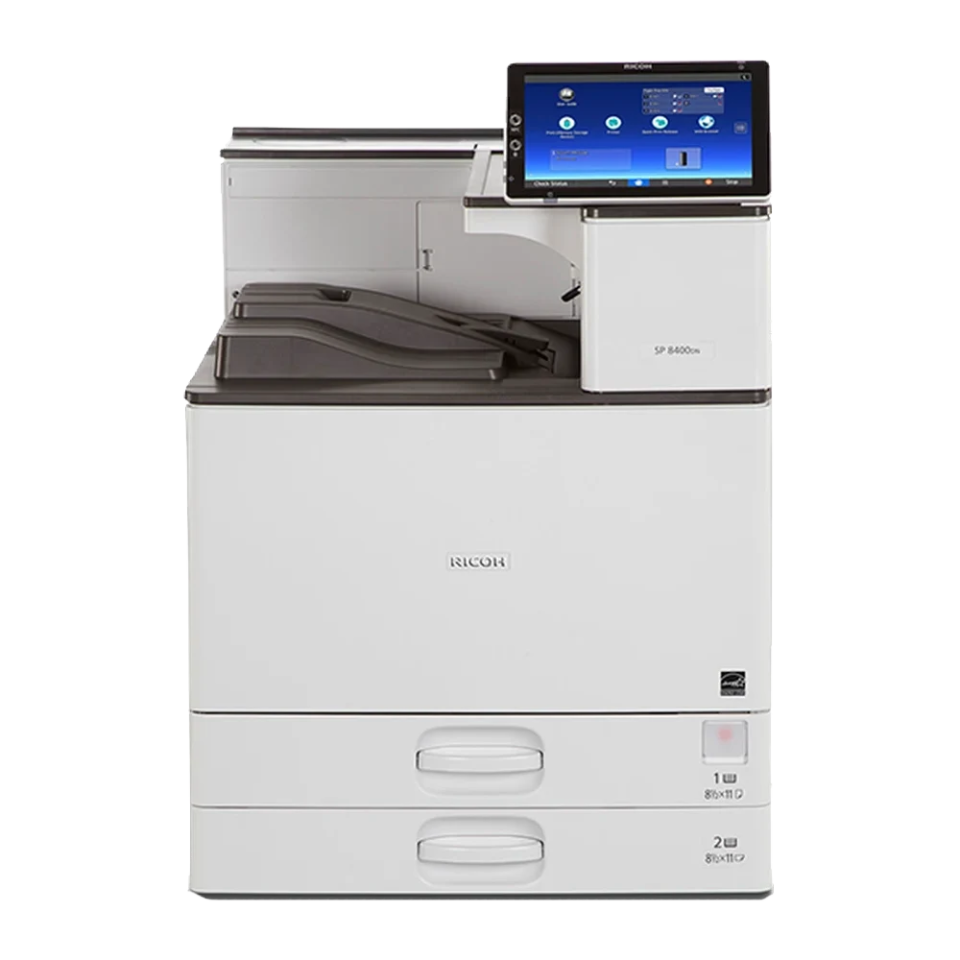
 Genuine Ricoh hardwareSupplied and serviced by an authorized distributor, with full manufacturer warranty.
- Prints up to 60 ppm
- 2.2-second first print time
- 1,200 x 1,200 dpi
- 4,700-sheet max input
Highlights
The SP 8400DN runs at 60 ppm.
- Output speed: 60 ppm
- Print resolution: 1,200 x 1,200 dpi
- Memory: 4 GB, 2 GB mainframe + 2 GB Smart Operation Panel
- Paper size: A3
Product specifications
| SPECIFICATIONS | |
|---|---|
| Functions | |
| Colour | No |
| Storage | 320 GB, optional |
| Memory - standard | 4 GB, 2 GB mainframe + 2 GB Smart Operation Panel |
| Operation panel | 10.1-inch Smart Operation Panel |
| GENERAL | |
| Physical dimensions (WxDxH), mainframe | 587 x 653 x 720 mm |
| Weight, mainframe | 57 kg or less |
| GENERAL | |
| Standard input capacity (sheets) | 1,200 |
| Maximum input capacity (sheets) | 4,700 |
| Standard output capacity (sheets) | 500 |
| Maximum output capacity (sheets) | 4,000 |
| Paper input configuration - standard | 550-sheet x 2 paper input trays, 100-sheet bypass tray, duplex unit |
| Paper output configuration - standard | 500-sheet face-down output tray |
| Maximum paper size | A3 |
| Media weight (g/m2) | 52-300 |
| GENERAL | |
| Interfaces - standard | 10Base-T/100Base-Tx/1000Base-T (Gigabit Ethernet) USB 2.0 Host interface Type A x 2 |
| Interfaces - optional | USB 2.0 Type B IEEE 1284 Type A IEEE 802.11a/b/g/n USB device server (additional network interface port) |
| Network protocols - standard | TCP/IP (IPv4, IPv6) |
| GENERAL | |
| Print speed black and white | 60 ppm |
| First print time | 2.2 seconds or less |
| Print resolution | 1,200 x 1,200 dpi |
| Page description languages (PDLs) | Standard, PCL 5e, PCL 6 (XL), PostScript 3 emulation, PDF Direct emulation, Media Print (JPEG/TIFF), PJL Optional, IPDS, XPS, Genuine Adobe PostScript 3, PDF Direct from Adobe |
| Printer drivers | Standard PCL 5e, PCL 6 (XL), PostScript 3 emulation, XPS Note: XPS driver can be downloaded from Ricoh website. |
| Duplex printing | Standard |
| Mobile printing | Yes |
| GENERAL | |
| Data Overwrite Security System (DOSS) - Standard | Yes |
| Encryption | Encryption, HDD, address book, authentication password |
| Authentication | User authentication, Windows and LDAP via Kerberos, basic, user code 802.1x wired authentication WiFi Protected Setup (WPS) Wireless LAN security, IEEE 802.11i, IEEE 802.11w, WEP, WPA Quota setting |
| GENERAL | |
| Windows | Windows Vista Windows 7 Windows 8.1 Windows 10 Windows Server 2008 Windows Server 2008 R2 Windows Server 2012 Windows Server 2012 R2 Windows Server 2016 |
| Macintosh | OS X Native v10.9 or later, PostScript 3 emulation only |
| Unix | Sun Solaris, 9, 10 HP-UX, 11.x, 11iv2, 11iv3 Red Hat Linux, Enterprise v4, v5, v6 SCO OpenServer, v5.0.7, v6.0 IBM AIX, v5.3, v6.1, v7.1 |
| SAP | Environment, R/3, S/4 SAP R/3 Device Type, supported Barcode fonts, Code 128, Code 39, Code 93, Codabar, MSI, USPS, POSTNET, UPC/EAN OCR fonts, OCR A, OCR B |
| GENERAL | |
| Standard | Web Image Monitor |
| Optional | Device Manager NX Printer Driver Packager NX Streamline NX Card Authentication Package Enhanced Locked Print |
| Mobile apps | Smart Device Connector Smart Device Print&Scan |
| GENERAL | |
| Power source | 220‑240 V, 50‑60 Hz |
| Power consumption | 1,780 W or less, maximum power 825.1 W, operating power 43.4 W, Ready Mode 0.89 W, Energy Saver Mode (Sleep Mode) |
| Typical Electricity Consumption (TEC) | 2.7 kWh |
| Warm-up time | 21 seconds or less |
| Power saving mode | 1 minute default, Auto switch, Energy Saver Mode (Sleep Mode) |
| Recovery time | 7 seconds, Energy Saver Mode (Sleep Mode) |
| Environmental standards | Restriction of Hazardous Substances (RoHS) WEEE EPEAT (Gold) |
| Green labels | BAM, Thai Green Label, target |
Specifications and images are provided for general reference only and may vary by configuration, revision or region. They do not form part of any offer or contract. Contact us to confirm exact specifications, availability and pricing for your requirement.
Configure the RICOH SP 8400DN
Choose paper trays, finishers, fax and security options. Ricoh's compatibility rules are applied as you go, so incompatible options are blocked and required parts are added for you. Send the result to us and we will confirm availability and price.
Standard on the SP 8400DN
- 10.1" Smart Operation Panel
- 2 x 550-sheet paper input trays
- 100-sheet bypass tray
- 2 GB RAM
- 1.46 GHz CPU
- PostScript3 emulation
Paper feeding and input options3 options
Paper size: B6–SRA3
Envelopes: COM10, Monarch, C6–C5
Custom paper size: 90–320 x 148–457.2 mm
Paper weight: 60–300 g/m2
Dimensions (W x D x H): 587 x 685 x 247 mm
Weight: 22 kg
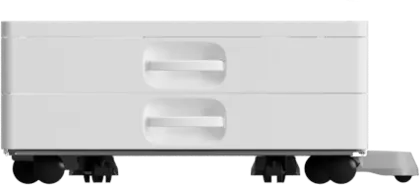
Paper size: A4
Paper weight: 60–300 g/m2
Dimensions (W x D x H): 587 x 685 x 247 mm
Weight: 22 kg
Power consumption: 15 W or less
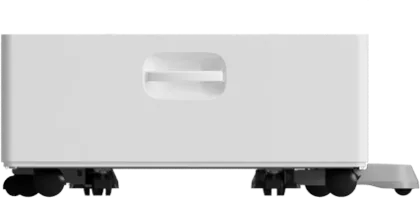
Paper size: A4, B5
Paper weight: 52–300 g/m2
Dimensions (W x D x H): 340 x 544.5 x 290 mm
Weight: 9.8 kg
Power consumption:13 W or less
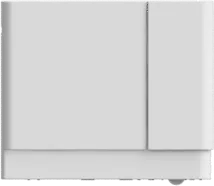
Output and finishing options12 options
Capacity: 500 sheets (125 sheets per bin)
Paper size: B6–A3
Envelopes: Com10, Monarch, C5–C6
Custom paper size: 90–297 x 148–431.8 mm
Paper weight: 52–169 g/m2
Dimensions (W x D x H): 555 x 544 x 506 mm
Weight: 13 kg
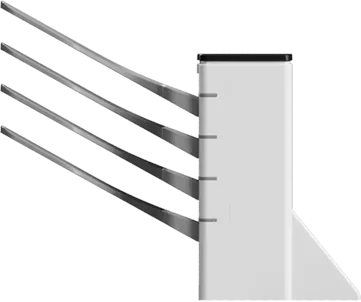
Fold types: Z-fold, half-fold, inner tri-fold, outer tri-fold Paper size:
Multi-folding unit only
Z-fold, half-fold—A4–A3, B4
Outer tri-fold, inner tri-fold—A4–A3
When connected to finishers SR3210 and SR3230
Z-fold—A4–A3, B4
Half-fold—A4–A3, B4, 12" x 18", 12.6" x 17.7" (SRA3)
Outer tri-fold, inner tri-fold—A4–A3 Paper weight: 52–300 g/m2
Dimensions: 612 x 555 x 184 mm
Weight: 15 kg
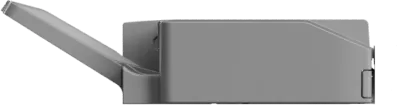
Paper size: B6–SRA3, custom size 90 x 139.7 – 320 x 600 mm
Paper weight: 52–169 g/m2 (proof tray); 52–300 g/m2 (shift tray)
Staple capacity: 2–50 sheets (A4 or smaller); 2–30 sheets (B4 or larger)
Staple position: Top, bottom, 2 staples
Stapleless binding: 2–5 sheets, single or double row, top left
Optional punch unit PU3050 available
Dimensions (W x D x H): 563 x 620 x 960 mm
Weight: 27 kg or less
Power consumption: 35.4 W or less
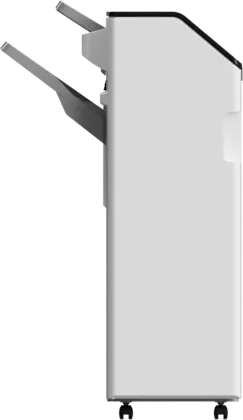
Paper size: B6–SRA3, custom size 90 x 139.7–330.2 x 487.7 mm
Paper weight: 52–220 g/m2 (proof tray); 52–300 g/m2 (shift tray)
Staple capacity: 50 sheets
Staple positions: Top, bottom, 2 staples, top slant
Staple paper weight: 52–105 g/m2
Optional punch unit PU3060 available
Dimensions (W x D x H): 657 x 613 x 960 mm
Weight: 33.5 kg or less; 38 kg or less—with punch unit
Power consumption: 67 W or less
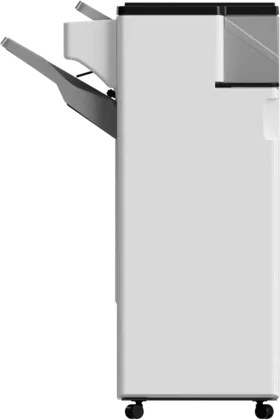
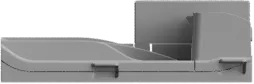
Shift capacity: 20 sheets
Paper weight: 52–300 g/m2
Dimensions (W x D x H): 143 x 539 x 218 mm
Weight: 2 kg or less
Power consumption: 15 W or less
Printer and scanner options4 options
Security and miscellaneous accessories7 options

Options and compatibility rules are Ricoh's, from Ricoh's own configurator. Availability can differ in the Middle East, so we confirm every configuration before quoting.
Want pricing on the RICOH SP 8400DN?
Tell us your monthly volume and we will quote the right configuration, delivered and installed anywhere in the UAE.