Looking after a copier in UAE heat, dust and humidity
4 min read
Many paper jams, faint prints and early service calls in UAE offices come down to where the machine stands and where its paper and toner are kept. Air-conditioned offices help, but storerooms, warehouses, site offices and anything near an outside door are a different story. Here is what Ricoh's user guide says, and what we suggest on top.
The short version: keep the vents clear, store paper flat and dry in its wrapper, keep toner below about 35 °C and out of the sun, and keep the machine in the conditioned part of the building.
Where to put the machine
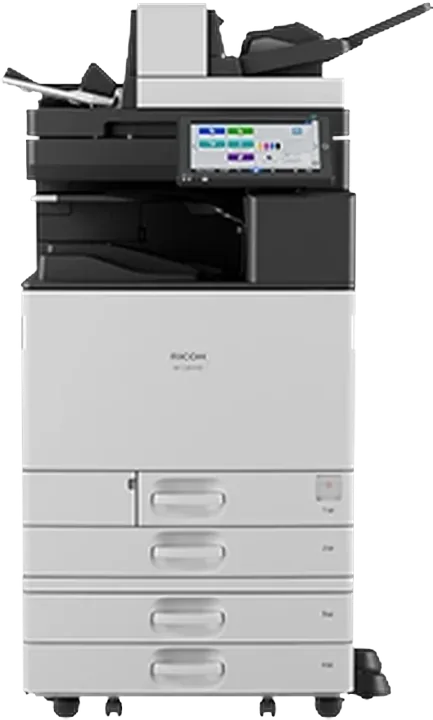
Ricoh's user guide for the IM C range is direct about the vents: don't obstruct them. Blocking them can make internal components overheat and can result in fire. It also notes that after large print jobs the ventilation fan may keep running to cool the machine, which is normal.
Our practical advice for UAE offices:
Leave clear space around the vents. Don't push the machine against a wall or box it in with cabinets.
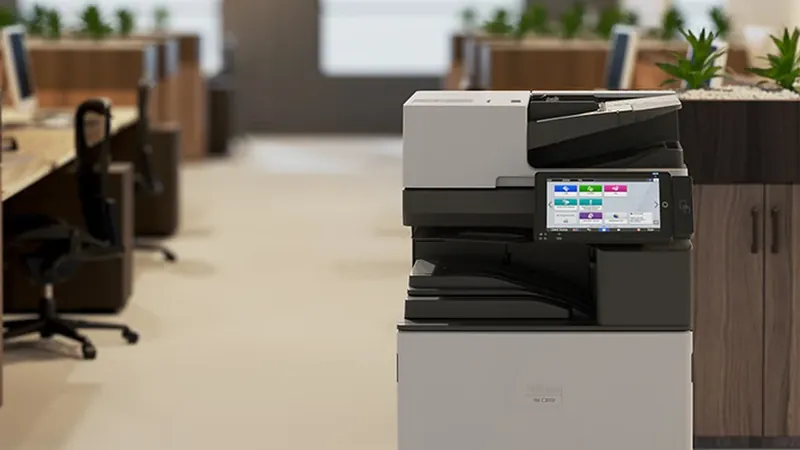
Keep it inside the air-conditioned space, out of direct sun from windows, and away from outside doors and loading areas where hot, dusty air comes in.
Avoid placing it directly under an air-conditioning outlet, where it sees sudden temperature changes.
Your machine's permitted temperature and humidity range is in the Safety Information booklet that came with it, and in the manuals on Ricoh's support site. Check it before you install a machine in a warehouse, site office or storeroom.
Paper: the most common cause of humidity problems
Ricoh's user guide warns that paper curled by humidity or drying can cause paper or staple jams. Its storage precautions:
Don't store paper where it is exposed to direct sunlight.
Store paper in a dry place, at 70% humidity or less.
Store it flat, not standing on end.
Once a ream is opened, keep the rest in a plastic bag.
For thick paper (106–300 g/m²), the guide gives tighter storage conditions of 20–25 °C and 30–65% humidity, and says not to mix paper stored in different conditions in the same job.
In practice: keep paper stock in the office, not in a hot storeroom or a vehicle, and bring cartons into the conditioned space well before you load them.
Clear vents and dry paper prevent more problems than any setting on the panel.
Toner: keep it cool and out of the sun
Ricoh's guide says to store toner in a dry environment, away from direct sunlight and generally below 35 °C, and to keep it horizontal. That rules out a car boot or an unconditioned storeroom in a UAE summer, so keep spare toner indoors with the paper.
The guide also says not to use toner of a different type, which can damage the machine. For a spill, it says don't use an ordinary vacuum cleaner, which can ignite or explode toner. Wipe it up with a wet cloth instead, or use a toner-compatible industrial vacuum.
Ricoh's guide notes that prints fade if they are left in strong light, dampness or humidity for long periods, and recommends storing them in a binder in a dark, dry place. It also warns that toner may melt on prints left in extremely hot places, such as near a heater, or left for long periods on chlorinated plastic mats in high temperatures.
When to call an engineer
Clearing an occasional jam and replacing toner are user jobs, and the panel guides you through them. Call your service provider when jams keep happening with dry, correctly stored paper, when prints show lines or streaks that cleaning doesn't fix, or when the machine shows a service call message. Don't open covers other than those the guide tells you to.
Gtech FZE services Ricoh machines across Dubai, Abu Dhabi, Sharjah and the Northern Emirates. See Ricoh service and repair or contact us.
Sources
Ricoh, User Guide for the IM C2010, IM C2510, IM C3010, IM C3510, IM C4510, IM C5510 and IM C6010 (component names and vents; replacing toner; paper storage; specifications for paper). Manuals for your model are on Ricoh's support site.
Storage and handling figures are from Ricoh's IM C series user guide, as read on 4 November 2026. Conditions and limits differ by model, so follow the Safety Information and user guide for your machine. Placement suggestions are general guidance from Gtech FZE, not a site survey. Work inside the machine beyond what the guide describes should be done by a trained technician, as incorrect servicing can affect safety and warranty. This article is general information and creates no obligation. Ricoh and Ricoh product names are trademarks of Ricoh Company, Ltd. To the extent permitted by UAE law, Gtech FZE accepts no liability for decisions taken on the basis of this article.
Questions
Frequently asked
How should copier paper be stored in a humid climate?
Ricoh's IM C series user guide says to keep paper out of direct sunlight, in a dry place at 70% humidity or less, stored flat, and in a plastic bag once the ream is opened. For thick paper it gives 20–25 °C and 30–65% humidity. Paper curled by humidity can cause jams.
What temperature should printer toner be stored at?
Ricoh's user guide says to store toner in a dry place, away from direct sunlight and generally below 35 °C, kept horizontal. In the UAE that means indoors in the air-conditioned space, not in a vehicle or hot storeroom.
Why does my copier fan keep running after printing?
Ricoh's guide notes that after large-volume printing the ventilation fan may keep running to lower the temperature inside the machine. That is normal. Make sure the vents are not blocked, because obstructing them can cause overheating.
Can I vacuum up spilled toner?
Not with an ordinary vacuum cleaner. Ricoh warns that toner drawn into one can ignite or explode from electrical sparks. Wipe it up with a wet cloth, or use a toner-compatible industrial vacuum.
Talk to us
Want this applied to your own setup?
We are an authorized Ricoh distributor holding stock at Jebel Ali, supporting installations across the UAE and exporting into the wider region. Tell us your volumes and we will tell you what fits.
What "16,000 pages" on a toner cartridge actually means, why yields measured under ISO/IEC 19798 and at 5% coverage cannot be compared directly, and a simple way to estimate cost per page for your own printing.
Where to find the right driver for your Ricoh copier on Windows or Mac, how to install it, and what Microsoft's changes to printer drivers since January 2026 mean for your office.
Two copier quotes rarely compare like with like. Speed class, A3 speed, cost per page, what the service contract covers and the machine's configuration: what to line up before you choose.

 Authorized