Office Copier vs. Production Printer: When Should UAE Businesses Upgrade to Ricoh Pro C5400s / C5410s?
5 min read
Many fast-growing UAE enterprises, educational institutions, marketing agencies, and corporate reprographics departments reach a threshold where their standard office multifunction printer (MFP), even a high-speed 60 ppm A3 model, begins struggling with monthly print demands. Jams become frequent on heavy cardstocks, colors shift between print runs, and outsourced print bills continue to rise.
The natural question arises: When does it make financial and operational sense to step up from a standard office copier to an entry-level production digital press like the Ricoh Pro C5400s or Pro C5410s?
Understanding the architectural differences between an office MFP and a genuine production press is crucial for facilities directors and procurement managers calculating total cost of ownership (TCO).
The essential difference: Office copiers are engineered for diverse, low-to-medium intermittent office document flows (letters, invoices, general reports). Production presses like the Ricoh Pro C5400s / C5410s are engineered for sustained continuous mechanical runs, strict color consistency across thousands of pages, heavy cardstock duplexing up to 360 gsm, and inline booklet manufacturing.
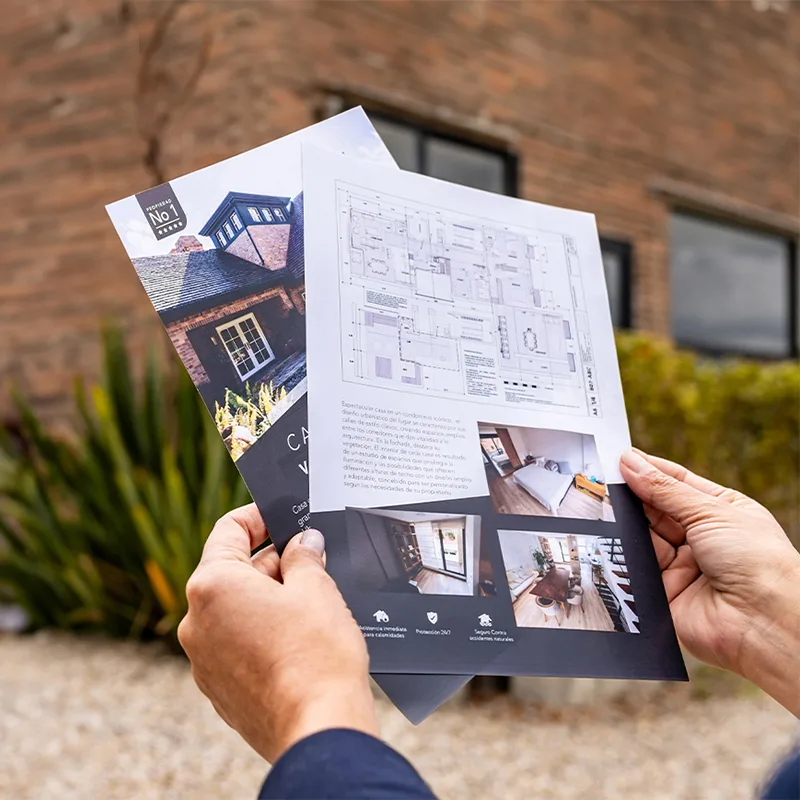
Commercial output capabilities: High-impact marketing collateral, multi-page property brochures, and edge-to-edge full-bleed color output produced on production cut-sheet hardware compared to standard bordered office copies.
Key Technical Comparisons: Office MFP vs. Ricoh Pro C5400s / C5410s
Specification / Capability
High-End Office MFP (e.g. Ricoh IM C6010)
Production Press (Ricoh Pro C5400s / C5410s)
Rated Speed
Up to 60 ppm (standard 80 gsm plain paper)
65 to 80 ppm (sustained through 256 gsm)
Maximum Monthly Duty Cycle
Approximately 150,000 to 200,000 pages
1,500,000 pages (10x duty capacity)
Recommended Monthly Volume
15,000 to 40,000 pages
Up to 150,000 pages
Maximum Media Weight
Up to 300 gsm (simplex / bypass only)
52.3 to 360 gsm (Auto-Duplex supported)
Paper Feeding Technology
Friction rubber rollers
Optional Vacuum Feed LCIT (Air-Assist suction)
Imaging Engine & Resolution
Standard Laser (1200 × 1200 dpi)
VCSEL 40-beam Laser (2400 × 4800 dpi)
Front-to-Back Registration
± 1.5 mm to ± 2.0 mm (mechanical stop)
± 0.5 mm or better (optical skew sensors)
Controller & Color RIP
Embedded PCL / PostScript driver
EFI Fiery® DFE with ICC profiles & PANTONE®
Inline Booklet Finishing
Basic corner / edge stapling
Saddle-stitch, square-fold, face trimmer, punching
Five Signs Your Organization Has Outgrown Its Office Copier
1. You Are Outsourcing High-Volume or Heavy-Cardstock Jobs
If your marketing, training, or operations teams regularly send presentation folders, business cards, saddle-stitched catalogs, or annual reports to external commercial print shops in Dubai or Sharjah, you are paying third-party retail markups. When monthly outsourced print expenditures exceed AED 12,000 to AED 18,000, bringing those jobs in-house on a leased Ricoh Pro C5400s typically provides immediate monthly cash savings while shrinking turnaround times from days to hours.
2. Severe Slowdowns When Printing on Cardstock
On an office MFP, feeding 250 gsm or 300 gsm cardstock triggers a drastic thermal speed reduction, often cutting effective output from 60 ppm down to 15-20 ppm, because the office fusing unit cannot maintain bonding temperatures at full line speed. In contrast, the Ricoh Pro C5410s maintains high throughput (80 ppm on stocks up to 256 gsm, and 56 ppm on heavy 360 gsm stocks) using an industrial oil-less belt fusing assembly.
3. Front-to-Back Registration Drift
When producing duplex business cards, perforated vouchers, or multi-page booklets, mechanical friction rollers in office copiers allow sheets to skew by 1.5 to 2 millimeters. This causes misaligned borders when trimming finished stacks. The Pro C5400s series incorporates active optical registration sensors that scan sheet leading edges and dynamically adjust laser timing, guaranteeing precise sub-millimeter alignment.
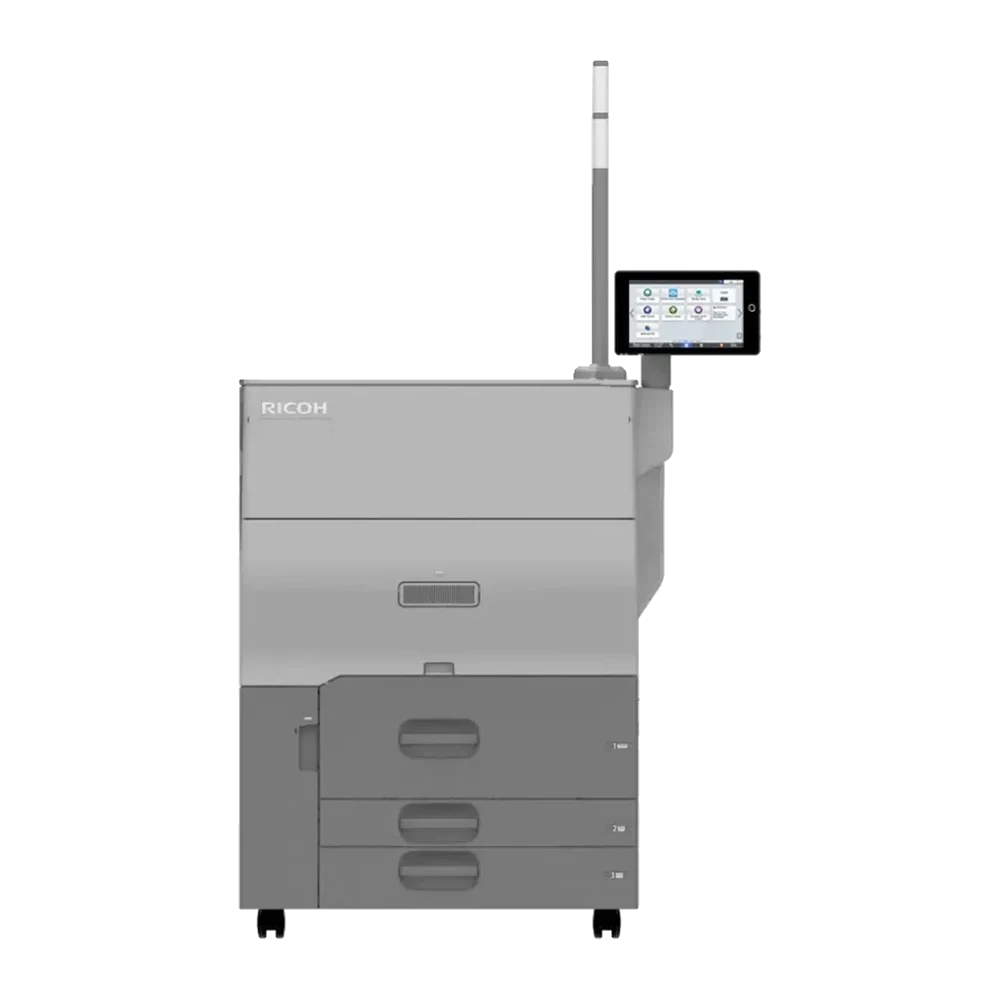
Compact footprint, production reliability: The Ricoh Pro C5400S provides a heavy-duty 1.5M page duty chassis within a compact floor space that fits standard corporate reprographics and mailroom layouts.
4. Color Inconsistency and Brand Palette Mismatches
Office copier print drivers convert RGB graphics into CMYK using generic lookup tables. Corporate logos with strict brand color palettes (such as Emirates Red, Etisalat Green, or specific Pantone swatches) frequently render muted or shift between morning and afternoon runs as engine temperature fluctuates.
The Pro C5410s Graphic Arts Edition features an integrated EFI Fiery digital front end with spectrophotometer calibration, built-in Pantone libraries, and custom ICC color profiling. This guarantees that your brand colors remain identical from sheet 1 to sheet 10,000.
5. Manual Post-Print Folding and Stapling Bottlenecks
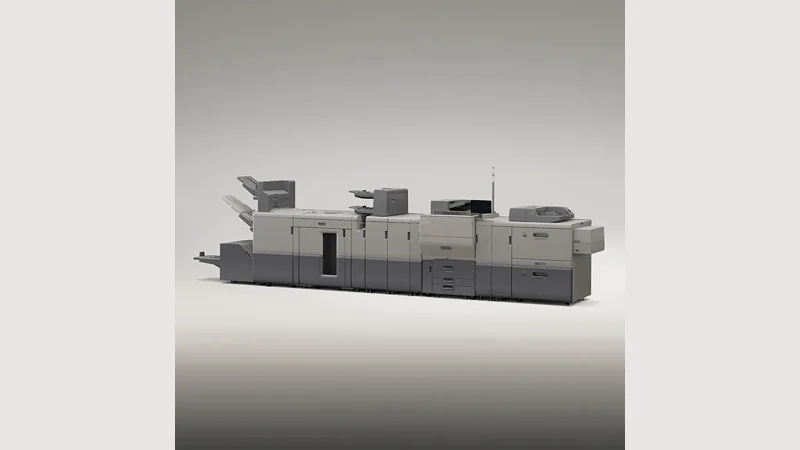
Office copiers produce flat, collated stacks that staff must manually fold, staple, and trim using offline desktop equipment. The Pro C5400s series supports fully automated inline finishing modules:
Booklet Maker with Saddle Stitching: Automatically folds and staples up to 30-sheet (120-page) booklets.
Square-Fold Trimmer: Flattens booklet spines to look like professional perfect-bound books and trims the fore-edge to eliminate creeping edges.
Multi-Folding Units: Automatically performs Z-folds, tri-folds, half-folds, and gate-folds in-line for direct marketing mailers.
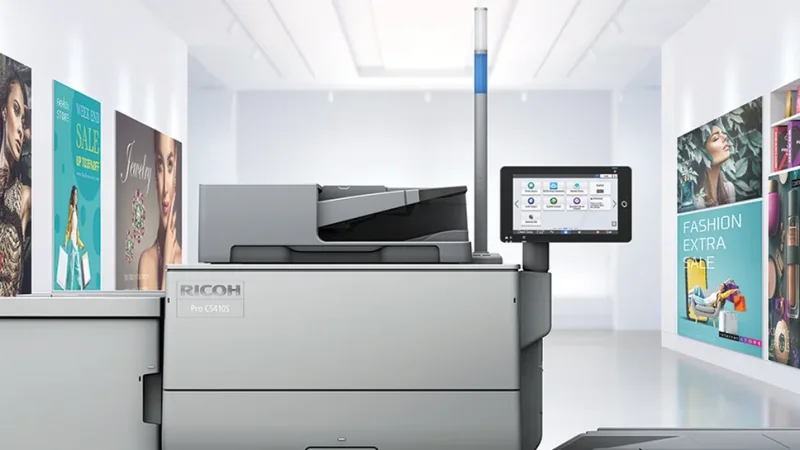
Photorealistic VCSEL resolution: True 2400 × 4800 dpi laser imaging captures microscopic skin tones, subtle shadow details, and fine vector line work that standard office lasers cannot resolve.
The Financial Equation: Evaluating Cost-Per-Page Economics
While an office MFP carries a lower initial purchase price, its consumables (toner bottles, drums, developer units) are priced for typical office volume bands. On a production engine like the Ricoh Pro C5400s / C5410s, high-capacity toner cartridges and long-life imaging drums drive the unit cost per color page down significantly.
At 40,000 to 100,000 pages per month, the running cost savings generated by a production engine frequently offset its higher monthly lease payment, giving UAE businesses higher-quality marketing collateral, faster output, and total operational control at a net neutral or lower overall monthly spend.
Next Steps: Explore Ricoh Production Systems with Gtech FZE
Based in Jebel Ali Free Zone (JAFZA), Dubai, Gtech FZE is the authorized Ricoh distributor supplying production printers, office copiers, and genuine consumables across the UAE and African export markets. Our production print specialists can analyze your current print bills, run sample swatches of your files on the Pro C5400s / C5410s, and deliver a tailored feasibility proposal.
Advisory notice: Equipment duty cycles and volume capacities represent maximum engineering thresholds under optimal operating conditions. Cost-per-page figures and lease terms vary based on monthly volume tiers, paper substrates, and service level agreements (SLA). Contact Gtech FZE for a comprehensive print volume assessment tailored to your organization.
Questions
Frequently asked
At what monthly volume should a business upgrade to a production printer?
Organizations consistently printing between 25,000 and 150,000 pages per month, or spending more than AED 12,000 to AED 18,000 monthly on outsourced commercial print, usually find that upgrading to a production press like the Ricoh Pro C5400s reduces overall costs while dramatically accelerating job turnaround.
Can the Ricoh Pro C5400s / C5410s replace our office copier completely?
Yes. The Pro C5400s Enterprise Edition includes an intuitive 10.1-inch Android Smart Operation Panel, single-pass duplex scanning at up to 300 ipm, walk-up copying, and secure user authentication, allowing it to function as both a central office MFP and a high-speed commercial production press.
How does paper handling compare between an office copier and the Pro C5400s series?
While high-end office copiers typically top out at 300 gsm simplex via bypass, the Ricoh Pro C5400s series feeds up to 360 gsm (130 lb. Cover) with full automatic duplex support, handles banners up to 1,300 mm, and offers optional vacuum-assist air feeding to eliminate multifeeds on glossy and coated stocks.
Do we need a trained press operator to run the Ricoh Pro C5400s?
No. The Pro C5400s Enterprise Edition is engineered with automated color registration and predefined media catalog presets, making it accessible to standard office staff and corporate mailroom personnel. The Pro C5410s Graphic Arts Edition includes EFI Fiery command workstation tools for dedicated print graphic specialists.
Talk to us
Want this applied to your own setup?
We are an authorized Ricoh distributor holding stock at Jebel Ali, supporting installations across the UAE and exporting into the wider region. Tell us your volumes and we will tell you what fits.
The Ricoh Pro C5400s (65 ppm Enterprise) and Pro C5410s (80 ppm Graphic Arts) deliver 2400 x 4800 dpi VCSEL quality, 360 gsm media handling, and inline booklet finishing on standard single-phase power.
When an organization’s monthly external print invoices cross AED 15,000, outsourcing ceases to be a convenience and becomes an operational margin leak. Here is how UAE enterprises calculate the ROI of an in-house digital press.
At 300 copies digital wins outright on cost and turnaround. At 15,000 offset wins on unit economics. Between those two figures lies the crossover point that determines print shop margins across Dubai and the UAE.

 Authorized