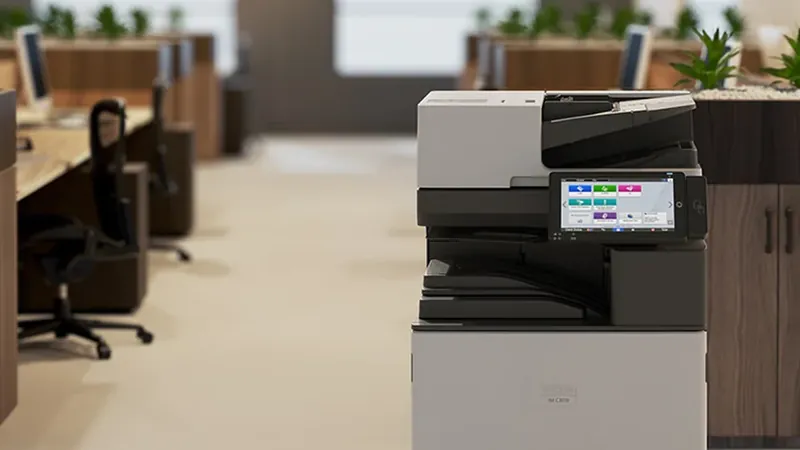
Ricoh IM C3010, C3510, C4510, C6010 and C7010 compared
5 min read
Ricoh's A3 colour multifunction printers share a name pattern that makes them easy to confuse: IM C2510, IM C3010, IM C3510, IM C4510, IM C6010 and IM C7010. The model number tells you the speed class (our model numbers guide explains the naming), and most of the other differences follow from it. This guide puts Ricoh's published figures side by side so you can see what you gain at each step.
The short version: all of these machines print A3 in colour, and from the IM C3010 to the IM C7010 they scan at the same rated speed and share the same 6 GB memory and 256 GB SSD on Ricoh's spec sheets. Moving up the range buys print speed, a quicker first page, more paper and output capacity and larger toner cartridges. Choose by the volume your office prints at its busiest, not by its average.
The figures side by side
All figures are from Ricoh's spec sheets, linked under Sources.
*The IM C2510 is on a separate spec sheet, in French; we have listed only the figures we could check on it. Toner yields for the IM C2510, IM C3010 and IM C3510 are measured at 5% coverage on A4 with three pages per job; for the IM C4510, IM C6010 and IM C7010 Ricoh states 5% coverage on A4. TEC (typical electricity consumption) is measured per week using the ENERGY STAR test method.
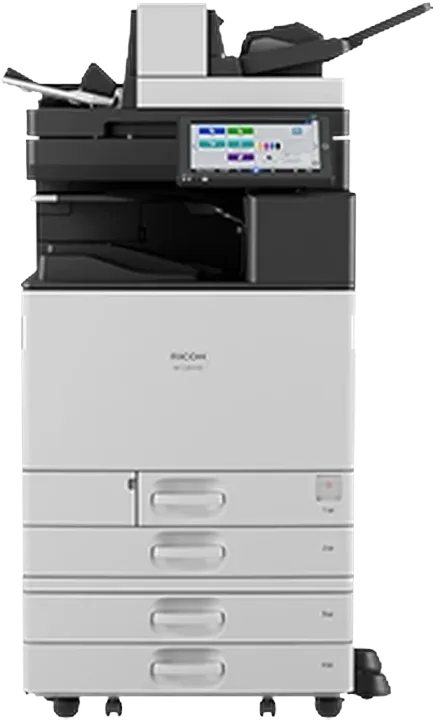
Ricoh IM C3010: 30 ppm, with a 220-sheet single-pass document feeder that Ricoh rates at 150 ipm single-sided and 300 ipm double-sided.
What stays the same across the range
Scanning: Ricoh rates the IM C3010 to IM C7010 at 150 images per minute single-sided and 300 double-sided. A faster model does not scan faster.
Memory and storage: 6 GB of memory and a 256 GB SSD on the IM C3010 to IM C7010 sheets.
Paper sizes and weights: A3 and 12 × 18 inch sheets, 60–300 g/m² from the trays and 52–300 g/m² from the bypass, with sheets up to 1,260 mm long from the bypass.
Standard paper input: 1,200 sheets.
So the choice between, say, an IM C3510 and an IM C4510 is not about what the machine can do. It is about how quickly it does it and how long it runs between refills and toner changes.
What you gain as you move up
Print speed
From 25 to 70 pages per minute. The gap matters most when many people send long jobs at the same time. A 30 ppm machine finishes a 60-page report in about two minutes; a 60 ppm machine in about one. For a team that prints short documents, that difference is rarely noticed. For a shared machine producing reports and packs all day, it is.
First page out
The time to the first colour page drops from 6.6 seconds on the IM C3010 and IM C3510 to 3.7 seconds on the IM C7010. Most office jobs are short, so first-page time is what people feel at the machine.
Paper and output capacity
The IM C4510 to IM C7010 take up to 4,850 sheets of paper and up to 3,625 sheets of output with options, against 4,700 and 1,625 for the IM C3010 and IM C3510. The higher output capacity matters if long jobs run unattended.
Toner cartridge size
Cartridges for the IM C4510 and above are rated at 42,000 black and 28,000 colour prints, against 31,000 and 19,000 for the IM C3010 and IM C3510. Bigger cartridges mean fewer changes, but the cost per page depends on the cartridge price, so compare that on your quote. Our toner yield guide shows how.
Energy use
Typical electricity consumption rises with speed, from 0.30 kWh a week for the IM C3010 to 0.81 kWh for the IM C7010. Buying more speed than you need costs a little more power as well as a higher purchase price.
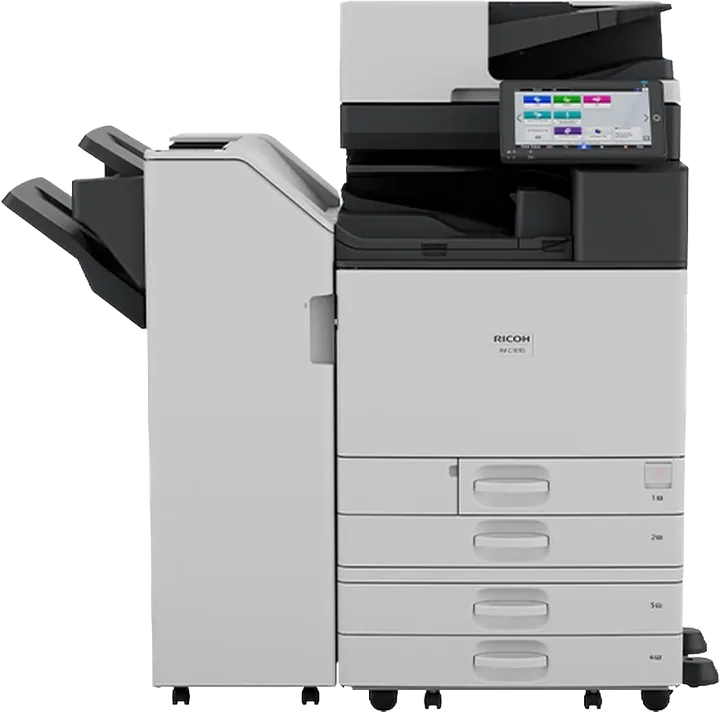
Ricoh IM C7010: the fastest model in this comparison, at 70 ppm, shown with an optional finisher.
Which one for your office?
IM C2510, IM C3010 or IM C3510: a team or a small office sharing one A3 colour machine, with moderate daily printing and regular scanning.
IM C4510: a busy department or a whole floor, where several people print at once.
IM C6010 or IM C7010: a central print room, reprographics or a large shared area where long jobs run all day.
If you know your current monthly page counts (the machine's meter report shows them), send them to us and we will suggest a model and configuration. The full list is on our A3 colour copiers page, and you can build a configuration with our Ricoh configurator.
Specifications are as published by Ricoh Canada on the spec sheets above, checked on 27 October 2026. Those sheets describe North American models; power supply, standard options and some figures can differ for machines supplied to the Middle East, and Ricoh may change specifications without notice. Confirm the figures for your exact configuration before you buy. Product photos are Ricoh's and may show optional equipment. Page times in the text are simple arithmetic from the rated speed and ignore first-page and processing time.
Questions
Frequently asked
What is the difference between the Ricoh IM C3010 and IM C3510?
Speed. Ricoh rates the IM C3010 at 30 ppm and the IM C3510 at 35 ppm. Their spec sheet gives both the same first-output times, paper capacity, scan speed and toner yield.
How fast is the Ricoh IM C7010?
Ricoh rates the IM C7010 at 70 ppm, with a first output time of 2.2 seconds in black and white and 3.7 seconds in colour.
Do faster Ricoh IM C models scan faster?
No. Ricoh rates the IM C3010 to IM C7010 at the same scan speed: 150 ipm single-sided and 300 ipm double-sided.
What is the toner yield of the Ricoh IM C3010?
Ricoh rates the black toner at 31,000 prints and each colour at 19,000 prints, based on 5% coverage on A4 at three pages per job.
Talk to us
Want this applied to your own setup?
We are an authorized Ricoh distributor holding stock at Jebel Ali, supporting installations across the UAE and exporting into the wider region. Tell us your volumes and we will tell you what fits.
Paper sizes, monthly volume, paper capacity, finishing, scanning and running cost. What really separates an A4 office printer from an A3 copier, with Ricoh's published figures for the IM C320F and IM C3010.
IM C3510SD tells you the generation, whether it prints colour, roughly how fast it runs and what is bolted to it. Once you can read one model code you can read the whole range.
Two copier quotes rarely compare like with like. Speed class, A3 speed, cost per page, what the service contract covers and the machine's configuration: what to line up before you choose.

 Authorized