Something awkward is about to happen in a lot of UAE offices, and it is not the thing people are preparing for.
Between 2026 and 2027 invoicing moves to structured electronic records. Finance teams are busy with that, correctly. But an invoice never travels alone. It travels with a delivery note, a signed proof of delivery, a countersigned purchase order, customs and clearance paperwork, and a site note somebody wrote by hand. None of that is in scope for any mandate, and all of it still arrives on paper.
The mismatch is the problem. When the invoice is a queryable record and the documents supporting it are in a lever-arch file, reconciling the two is slower than when both halves were paper. Digitising one side of a pair makes the other side harder to work with, not easier.
Why this is landing now
The trigger is the e-invoicing programme, which is why document workflow is suddenly on agendas that never had it. Briefly, so you can place yourself:
| Milestone | Date | Who |
|---|
| Pilot and voluntary phase | 1 July 2026 | Participating businesses |
| Phase 1 mandatory | 1 January 2027 | Revenue AED 50m and above |
| Phase 2 mandatory | 1 July 2027 | Revenue below AED 50m |
| Phase 3 mandatory | 1 October 2027 | Government entities |
Those are published milestones, and at least one associated deadline has already been extended once. Confirm the detail with the Federal Tax Authority or your tax advisor — the timing belongs to them. What follows is the part that lands on your document workflow, which is ours.
Be honest about whether you have a problem
Plenty of businesses do not, and will be sold a solution anyway. The test is volume and retrieval, not sentiment about paper.
- Under about 100 documents a month, filed and rarely retrieved. You do not have a problem. Turn on searchable scanning (below), keep the cabinet, move on.
- Several hundred a month, retrieved occasionally. You have a retrieval problem, not a storage problem. Scanning with a sane naming and folder convention fixes it, and it costs nothing but discipline.
- Thousands a month, retrieved routinely, or subject to audit. Now a capture workflow pays for itself. This is real software with a real cost and it should be justified with real numbers.
The number that decides it is not how much paper you have. It is how often somebody goes looking for a specific document, and how long it takes them. Ten minutes, twice a week, is forty hours a year of someone's time. That is the figure to put against a quote.
The capability you already own and probably have not switched on
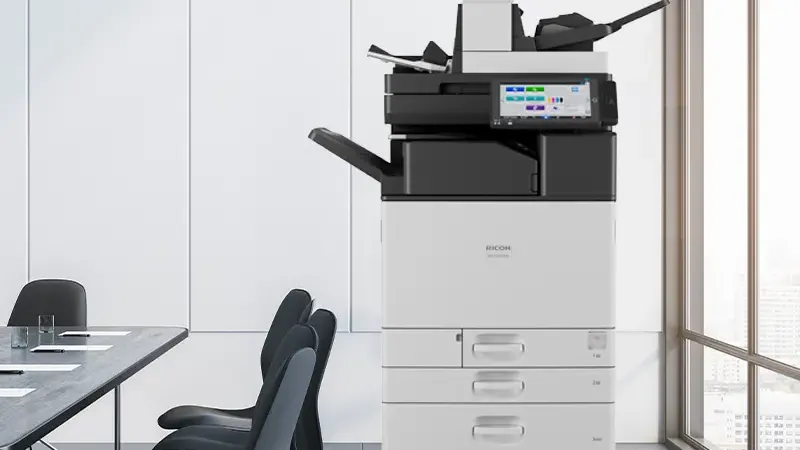
This is the part we would rather tell you than sell you. In our experience the gap between what an MFP in a UAE office can do and what it is configured to do is the largest piece of unused capability in the building.
Scan to searchable PDF
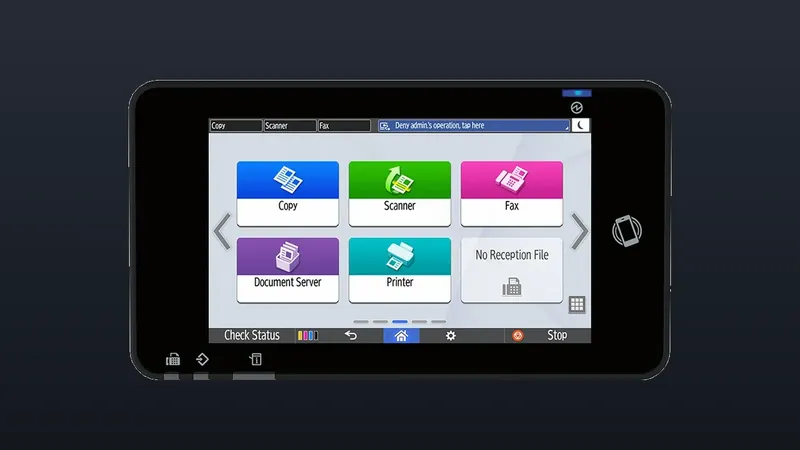
Most current multifunction devices will OCR at the device and produce a PDF whose text is selectable and findable. Most are set to produce image-only PDFs — a picture of a page, invisible to any search.
The difference is one setting and it is the single highest-value change available to you. A scanned delivery note becomes findable by its contents rather than only by whatever the person at the glass happened to name the file.
Scan to folder, not scan to email
Scan-to-email is the default habit and it is the wrong one. An inbox is not an archive: the document lands with one person, it is invisible to everyone else, and it leaves the company when they do. Scan-to-folder, into a structured destination on a share, takes one afternoon to configure.
A naming convention nobody has to think about
Date, document type, counterparty, reference. Agreed once, used by everyone. Unglamorous and worth more than most software.
The ADF is the part that decides whether people comply
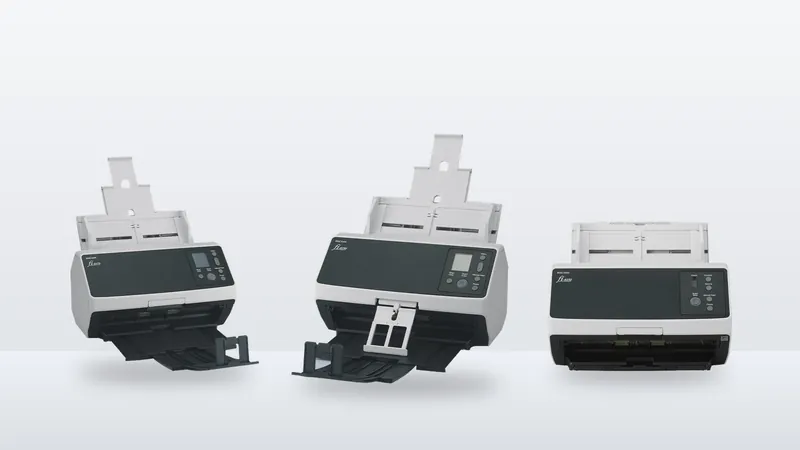
The paper that matters is exactly the difficult kind: stapled, creased, mixed sizes, double-sided, the odd receipt. If the feeder jams on it, people stop scanning and go back to the cabinet within a fortnight. This is where a dedicated document scanner earns its place over an MFP glass — ultrasonic double-feed detection and a feeder built for mixed originals are the difference between a workflow that holds and one that quietly dies.
When dedicated scanning hardware is actually justified
Being straight, because this is the part where we have an interest:
No mandate requires you to buy a scanner. If anyone tells you a compliance deadline obliges you to buy hardware, that is a sales line and you should treat the rest of their advice accordingly.
A dedicated scanner is worth it when you have a genuine backlog to clear, or a steady daily inflow that would otherwise monopolise a shared MFP, or originals that a general-purpose feeder handles badly. Otherwise, configure what you have.
A sequence that works
- Count. How many documents arrive on paper each month, and how often does someone go looking for one?
- Check the machines you own. Can they OCR? Can they scan to a folder? Usually yes, usually not switched on.
- Fix the free things first — searchable PDF, scan-to-folder, a naming convention. Give it a month.
- Then decide whether the residual pain justifies capture software or dedicated hardware. After step three, it often does not — and when it does, you will know exactly what for.
Where to go next
We are an authorized Ricoh distributor holding stock at Jebel Ali, and document workflow is a line we actually run rather than a bolt-on. See Managed Document Services or browse the scanner range.
If you want somebody to tell you what your current machines already do, without a quote attached, ask us. The answer is free and it is frequently "you already have this".

 Authorized